How a Curiosity About Tattoos Turned Into a Small Creative Tool
I did not set out to build a tattoo tool.
A little while ago, I found myself unexpectedly curious about tattoos. I started looking into how people choose references, how tattoo artists simplify images into workable line art, and why a design that looks great on a screen can still be difficult to print or transfer.

The more I learned, the more I noticed a small but common gap: many people have an idea, but not a clean starting point for the conversation with an artist. That question became the starting point for Stencil My Tattoo.
From curiosity to a small experiment
I wanted to make something simple that could help turn an interesting reference image into a clearer stencil-style draft. Not a replacement for an artist, and not a promise that an AI result is ready to tattoo. Just a practical way to explore an idea, see its main lines more clearly, and prepare for a better conversation.
That became the basic idea behind Stencil My Tattoo: upload a reference, generate a stencil direction, and use the result as an early visual aid.
What I learned while researching tattoos
A tattoo is much more than a picture. Placement, scale, line weight, contrast, skin, and the artist's style all change how a design works in the real world. A busy reference can hide the parts that matter most, while a clean outline can make the structure easier to discuss.
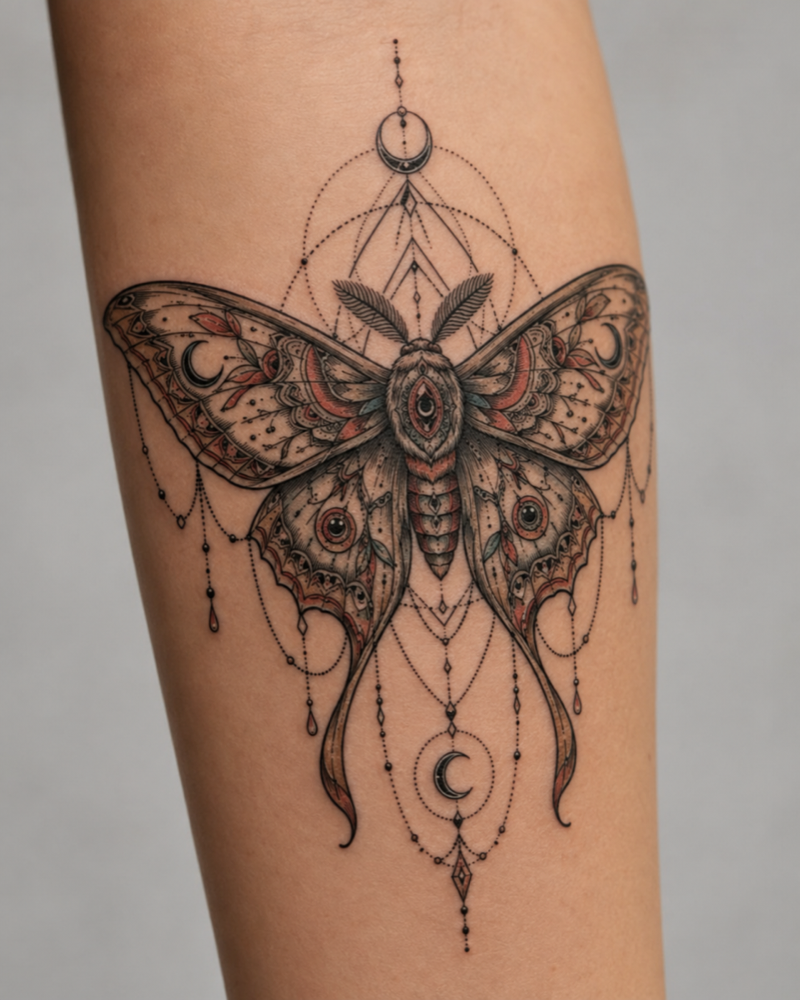
I also learned that the preparation stage is where many questions begin. Is the silhouette clear? Will the small details survive at the intended size? Which parts are essential, and which are only background noise from the original image?
Why I built the tool
Those questions were the reason I made the tool. I wanted a lightweight place to test ideas before committing to a final design or booking an appointment. The goal is clarity, not automation for its own sake.
For me, the useful workflow is straightforward:
- Start with a sketch, photo, illustration, or other reference.
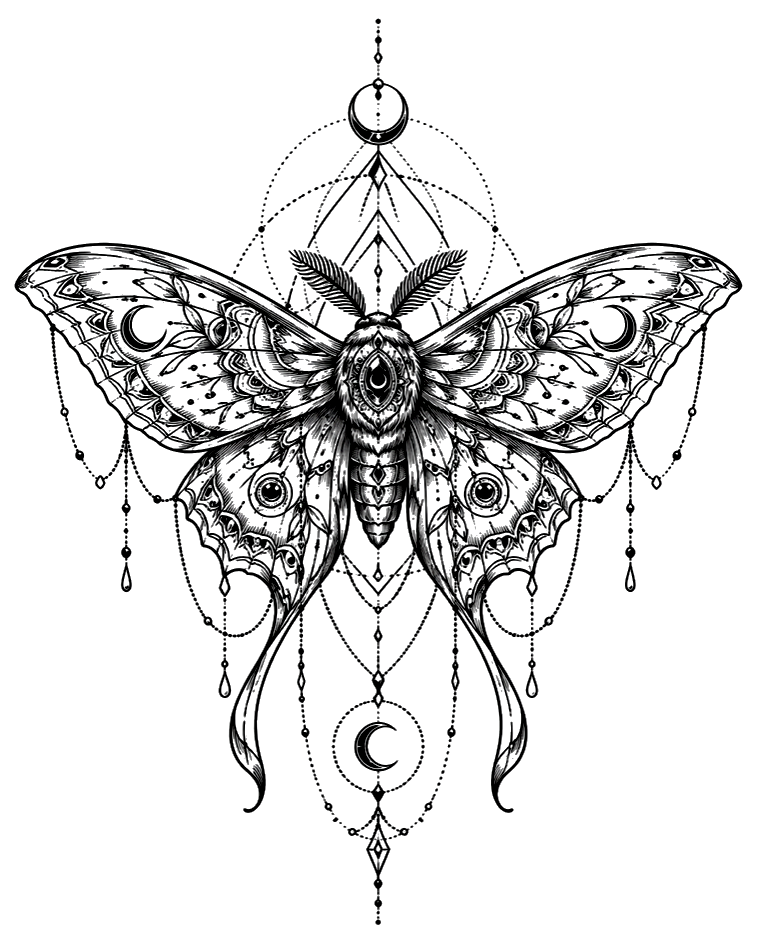
- Generate a stencil-oriented interpretation to reveal the main structure.
- Compare the result with the original and decide what still needs an artist's judgment.
- Bring the clearer starting point into the next conversation.
A tool for the early stage
Stencil My Tattoo is intentionally focused on the beginning of the process. It can help make an idea easier to inspect, but it cannot decide whether a design is right for a particular body part, skin type, size, or tattooing technique. Those decisions belong with a professional tattoo artist.
That boundary is important to me. The best outcome is not an AI-generated image by itself. It is a better-prepared idea that gives the artist and the person getting tattooed something more concrete to discuss.
Where the experiment is going
I am continuing to improve the tool around the practical details that matter: cleaner linework, more predictable results, and outputs that are easier to review before printing. It is still a small project, but building it has been a useful way to learn about both tattoo preparation and product design.
If you are curious about the experiment, you can take a look at Stencil My Tattoo.
The original curiosity was unexpected. The tool grew from a simple need: make the first step of a tattoo idea a little clearer.

Comments
Post a Comment